Hatch
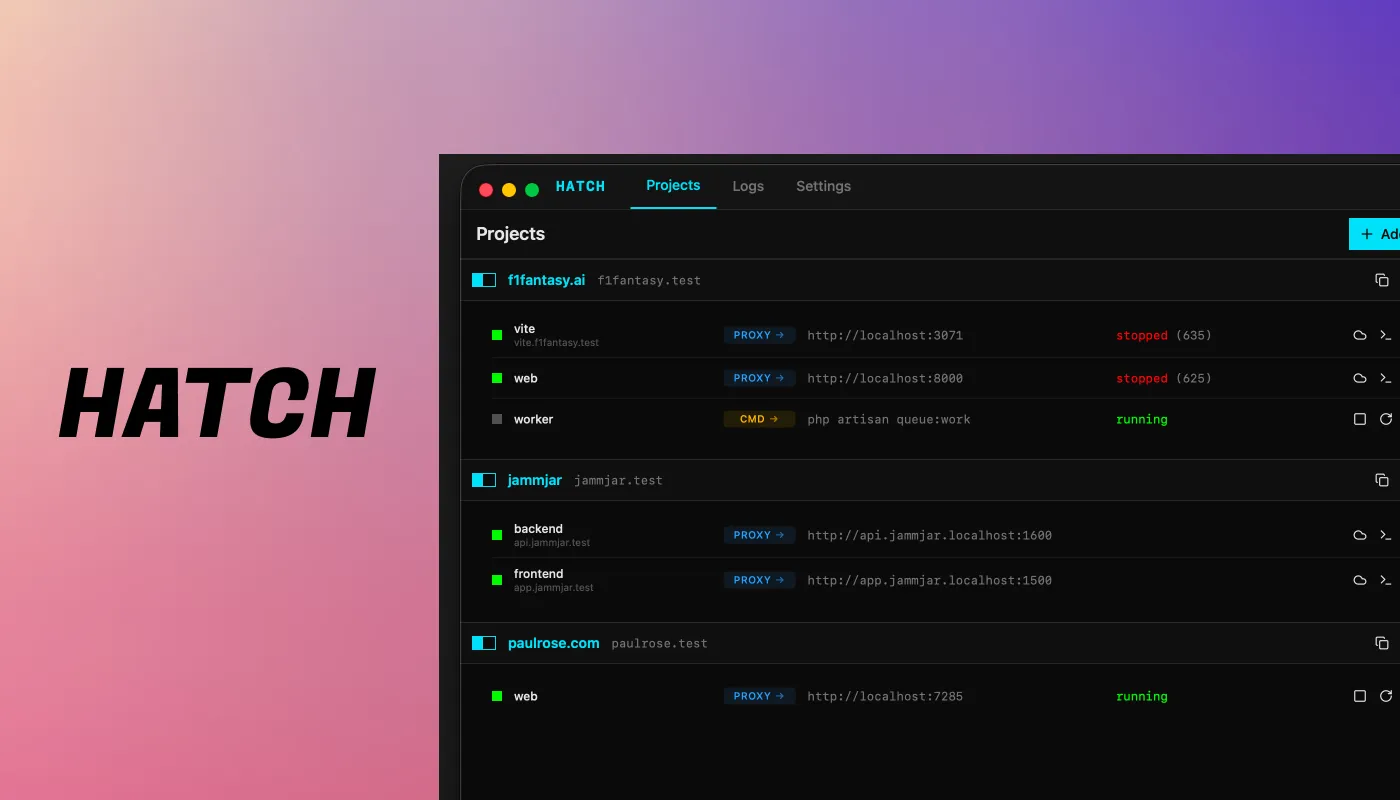
A local development tool for Mac. One config file, .test domains, no Docker required.
The problem
I run a few different projects at any given time. Some use Docker, some don't. Most are web projects. Booting everything up and keeping track of which port is running what gets old fast.
Some projects need three terminal tabs just to start each service. And Docker, while useful, is resource-heavy for projects that don't really need it. A Laravel app with a Vite dev server and a queue worker shouldn't require a full container setup.
I wanted something simpler. One config file per project, one command to start everything, and proper local domains so I'm not guessing which localhost port is which.
What Hatch does
Hatch reads a YAML config file from your project root. It starts all your services, proxies them through local .test domains, and manages the processes for you.
You define your services, what command starts them, what port they run on, and optionally a subdomain. Hatch handles the rest. DNS, proxying, process management, all from one tool.
No containers. No VMs. Just your code, running locally, accessible at clean URLs.
One file per project
Drop a hatch.yml in your project root. That's it.
domain: f1fantasy.testservices: web: command: php artisan serve --port=8000 proxy: http://localhost:8000 tunnel: "f1-fantasy-dev" vite: command: npm run dev -- --port=3071 proxy: http://localhost:3071 subdomain: vite worker: command: php artisan queue:work
This config starts three services. The main app is available at f1fantasy.test. Vite runs at vite.f1fantasy.test. The queue worker runs in the background with no proxy needed.
The tunnel option exposes the service publicly through a secure tunnel, useful for sharing work or testing webhooks.
How it's built
Hatch is written in Go. It includes a built-in Caddy instance that handles reverse proxying and local TLS. Caddy manages the .test domains, so you get HTTPS locally without any manual certificate setup.
Process management is handled natively. Hatch starts, monitors, and stops your services cleanly. If a service crashes, you see it immediately. No digging through Docker logs or guessing which container is unhealthy.